
Landing Page
Discover MejuHire before you sign up
The MejuHire landing page is your first introduction to the platform. It explains what MejuHire does, who it's for, and what you get on each plan — all before creating an account. Here's a walkthrough of everything you'll find on the page.
Visit the MejuHire homepage
Open your browser and go to the MejuHire website. The hero section at the top shows the product tagline, a short description of the AI-powered recruitment platform, and two call-to-action buttons: 'Try for Free' and 'See how it works'. The navigation bar at the top links to Pricing, Features, and a Sign In button.

Screenshot coming soon
Explore the Features section
Scroll down to see the core features highlighted on the page — AI Resume Parsing, AI Candidate Matching, Job Opening Management, Candidate Database, Email Integration, and Pre-Interview Q&A. Each feature card explains what it does and the problem it solves so you know exactly what you're getting.
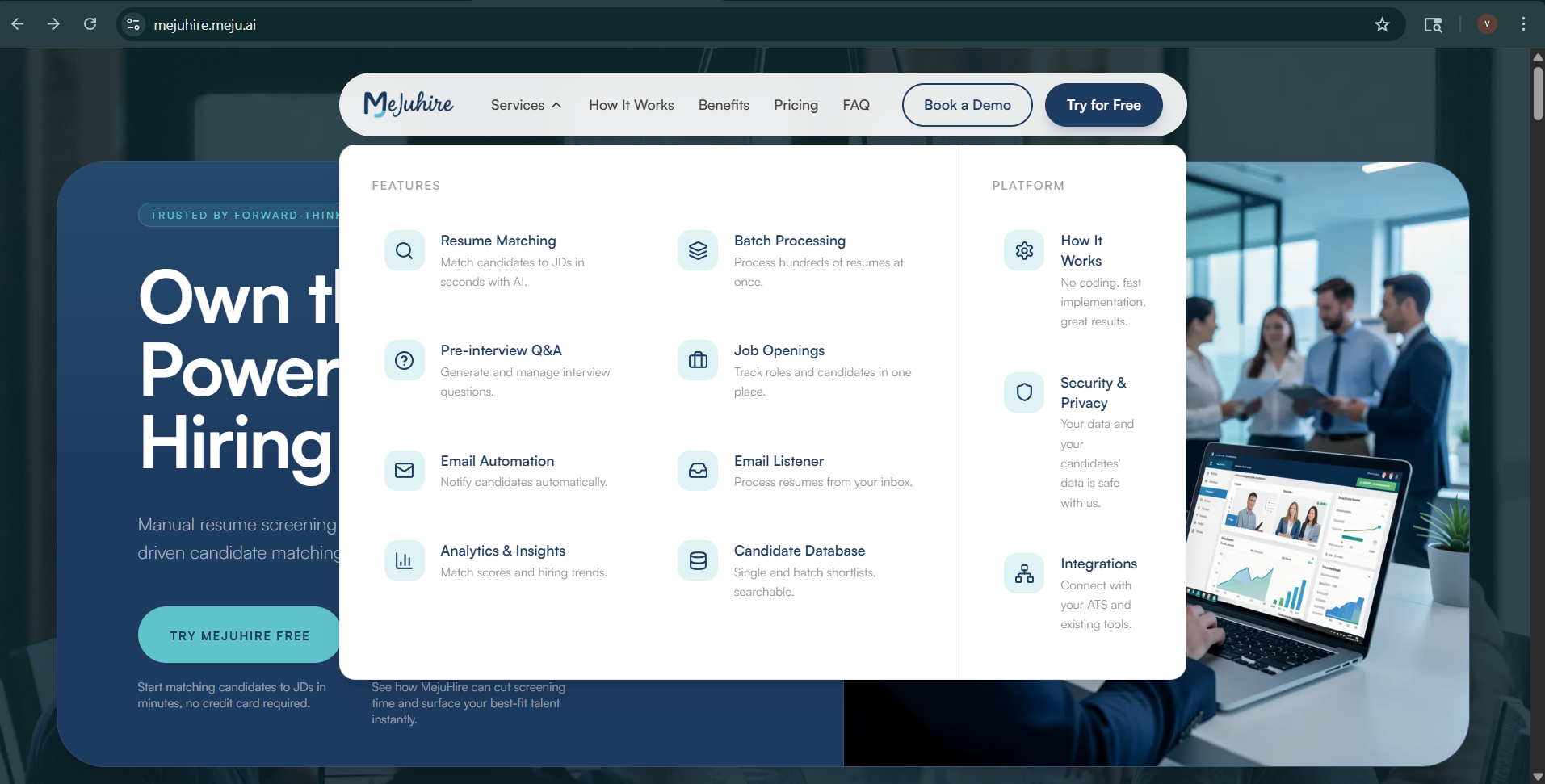
Screenshot coming soon
Review the Pricing section
Click 'Pricing' in the top navigation or scroll to the pricing section. MejuHire offers four plans: Free Trial (no credit card required), Starter, Professional, and Enterprise. Each plan card lists the candidate upload limit, job opening limit, matching credits, email integration, and included features. Compare plans side by side to find the right fit.
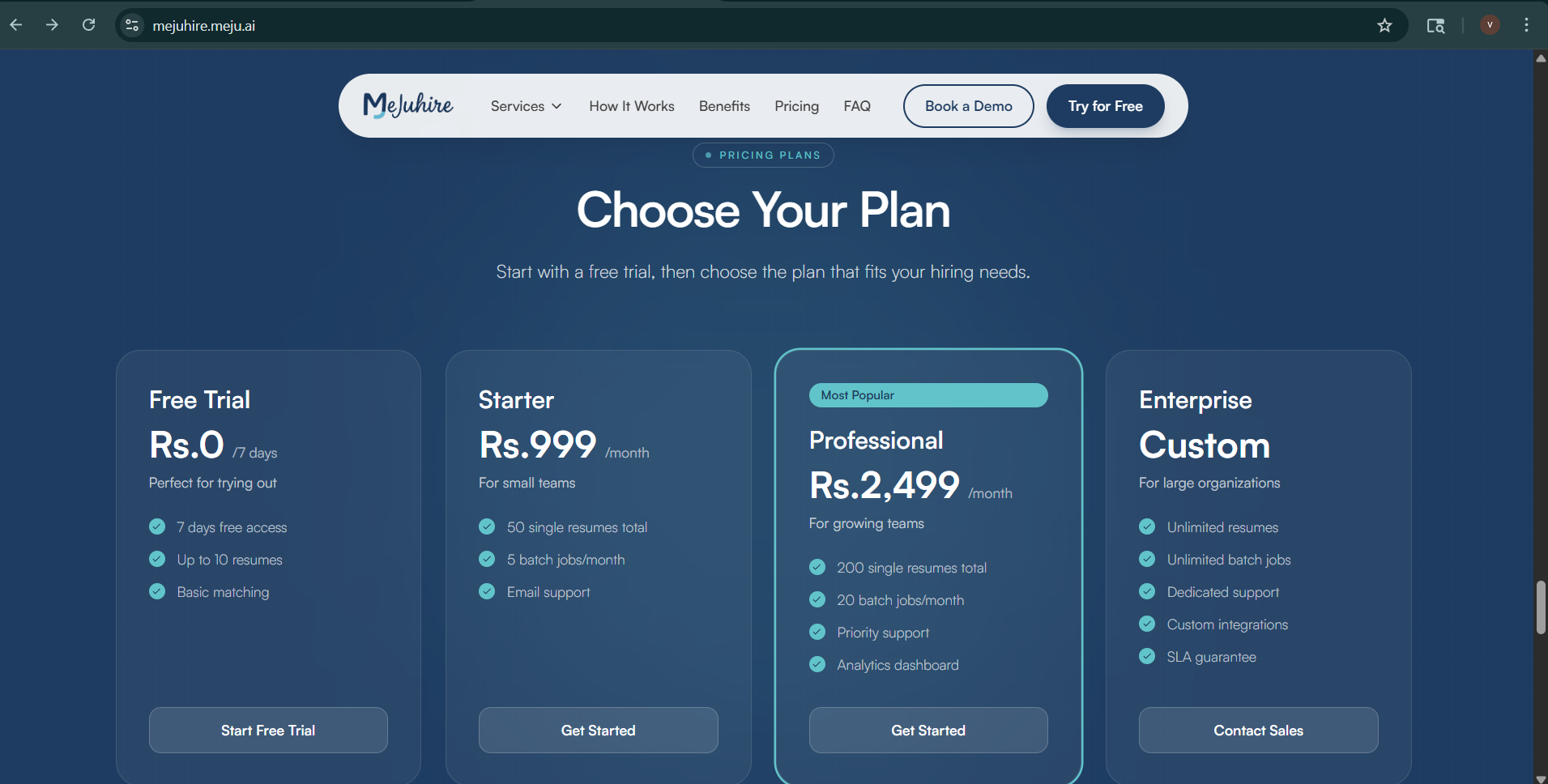
Screenshot coming soon
Read the FAQ
Below pricing you'll find a Frequently Asked Questions section covering how AI matching works, data privacy, supported file formats, email integration details, and billing. If you have a question before signing up, check here first.
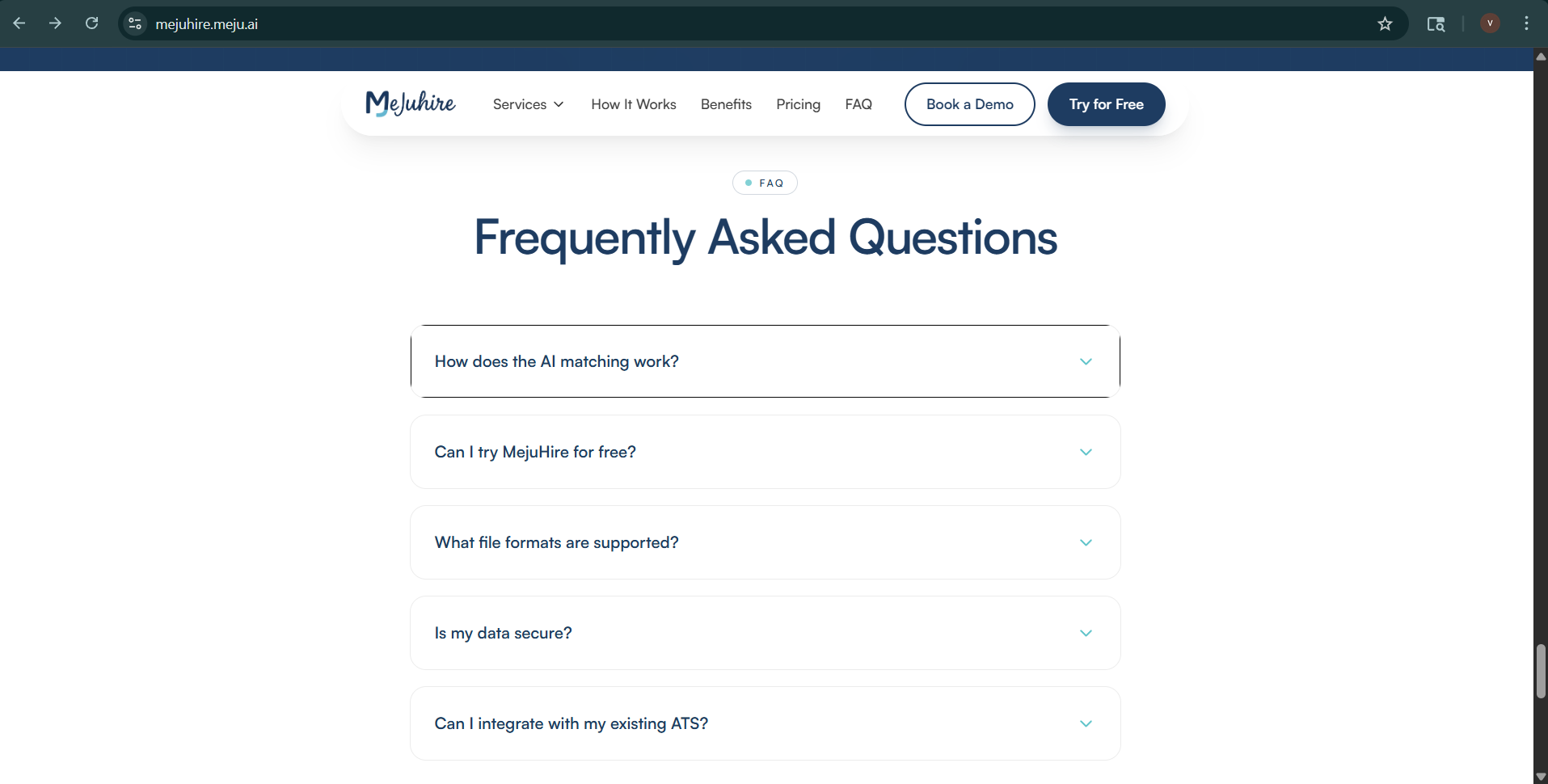
Screenshot coming soon
Click 'Try for Free' to create your account
When you're ready, click the 'Try for Free' button in the hero section or navigation bar. This takes you directly to the account creation / onboarding page. No credit card is required for the Free Trial — you can explore the full platform immediately after verifying your email.
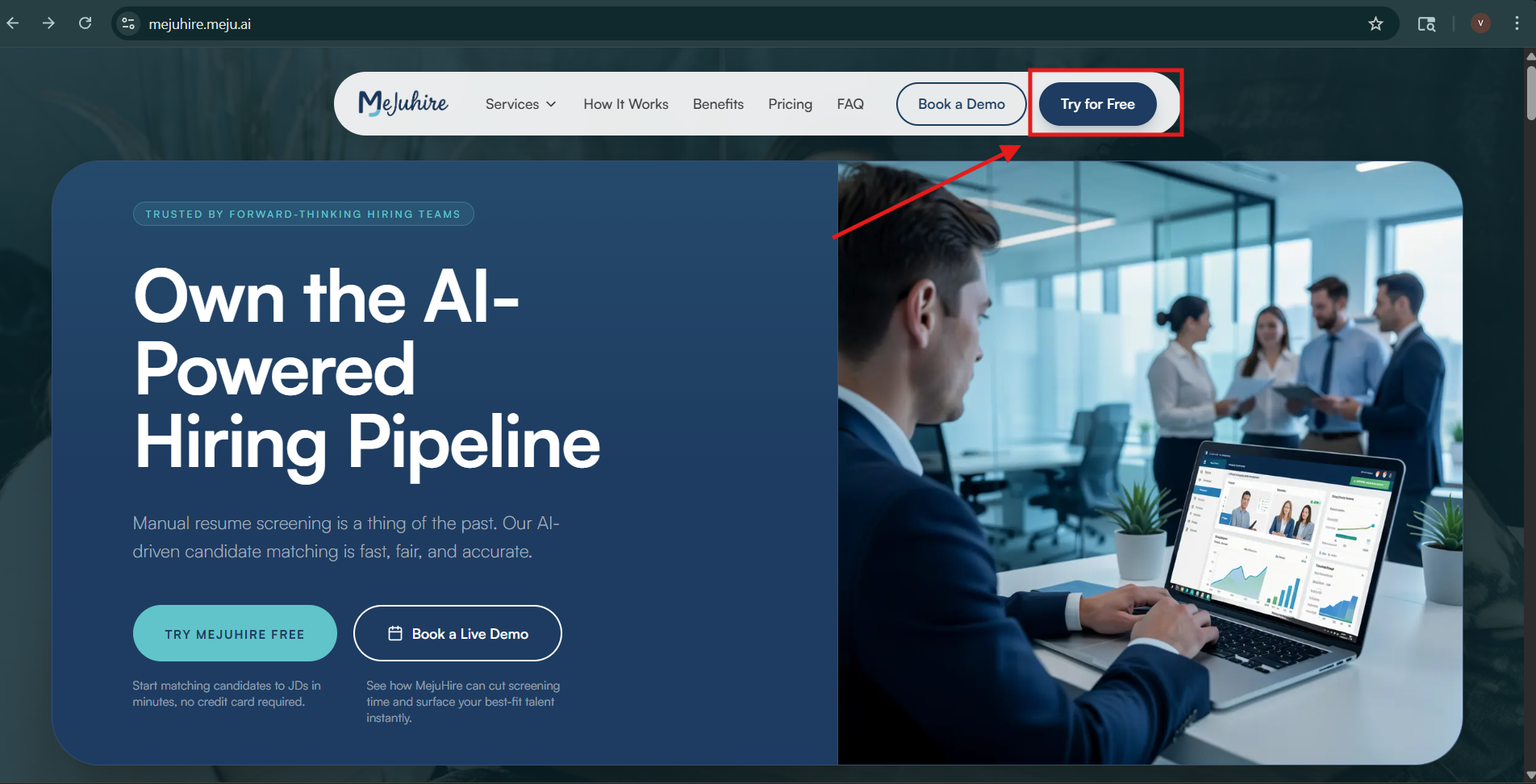
Screenshot coming soon
MejuHire Documentation · Updated with each release · mejuhire@mejuvante.com